Camera zoom that keeps your view where you need it
When your phone can't be close, zoom in and keep the cot centered. Simple controls that just work.
Why we added camera zoom
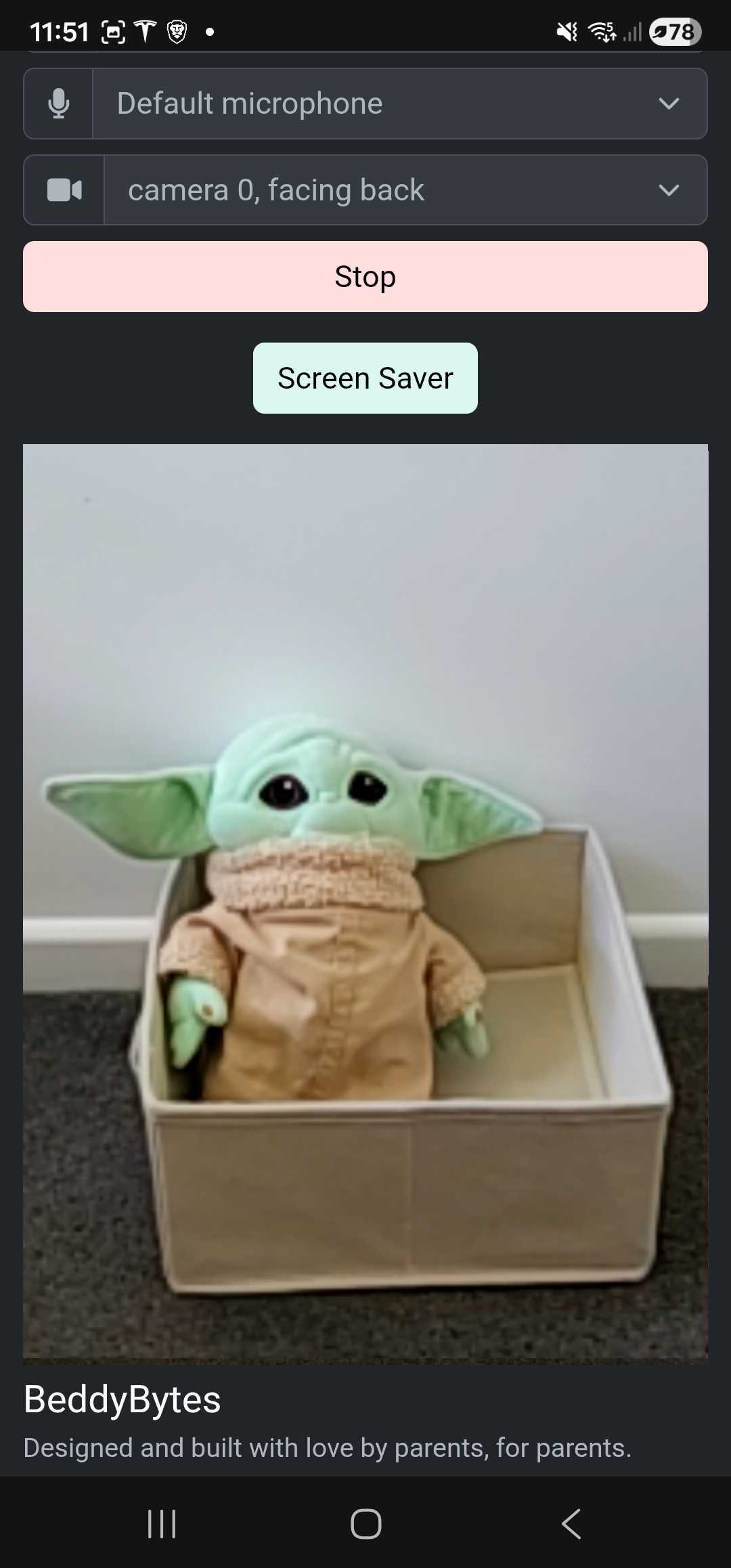
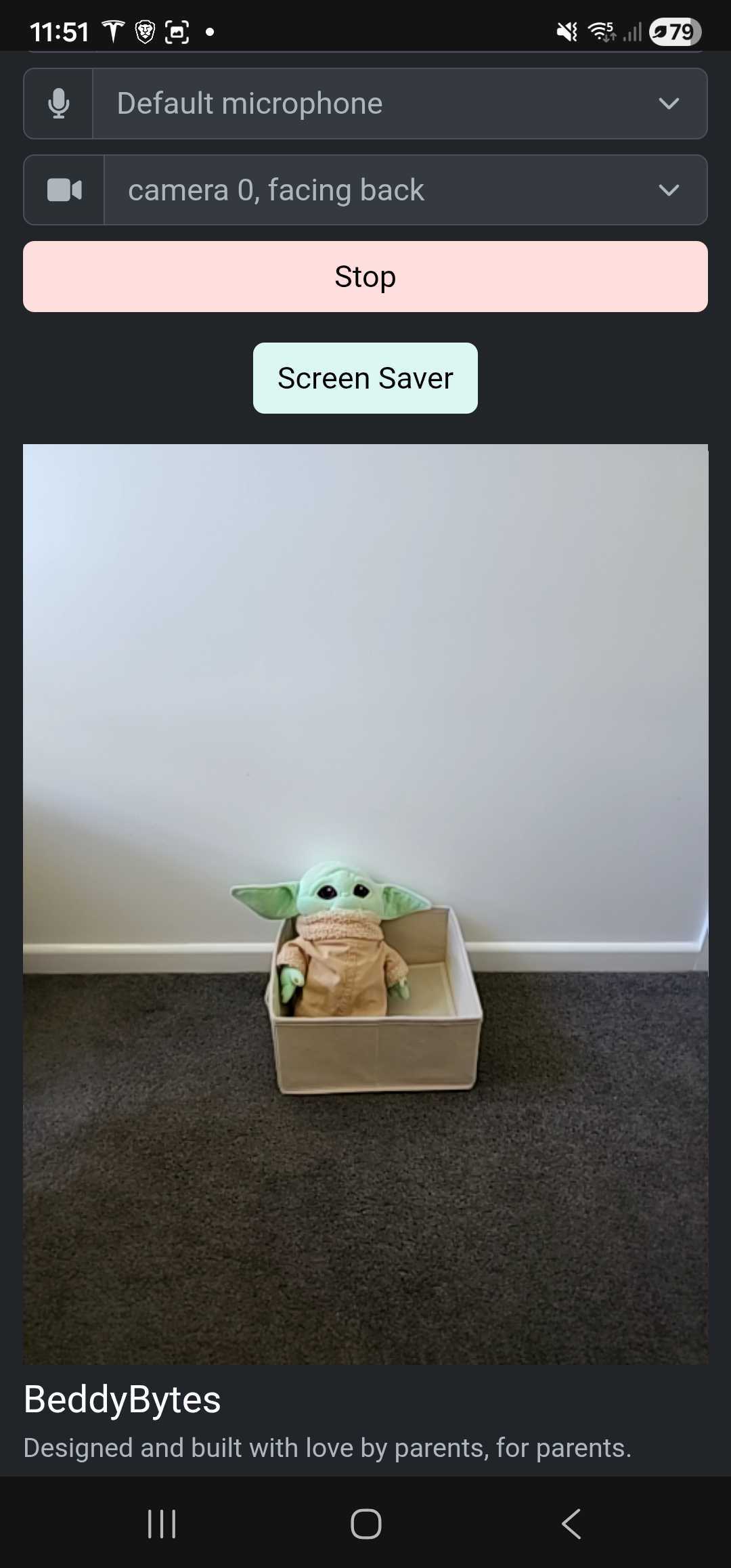
The need for zoom arose after our little one tried to get in some unauthorized screen time, grabbing the phone from the edge of the cot. We moved the phone to safety, and suddenly the cot looked like a tiny postcard. Zoom let us keep a clear view without putting the phone back within reach.
Compare zoom levels
Drag the slider to see zoom in vs zoom out on the same scene.
Watch setup, zoom, and framing in action
Simple zoom controls
Pinch to zoom
Bring the cot closer with a two-finger pinch. No fuss, no extra steps.
Private stream, simple setup
Zoom works within the same private, reliable stream - no extra hoops.
Set it once
Frame the view on the baby station before you start monitoring.
How to use camera zoom
- Open Baby Station
- Pinch to zoom in or out
- Adjust the view to keep the cot centered
- Start monitoring
Camera zoom is for quick setup before you step away. It is optional and uses digital zoom.